QR & Photo Sharing
Wedding photo sharing QR code: a step-by-step guide
The Grain team ·
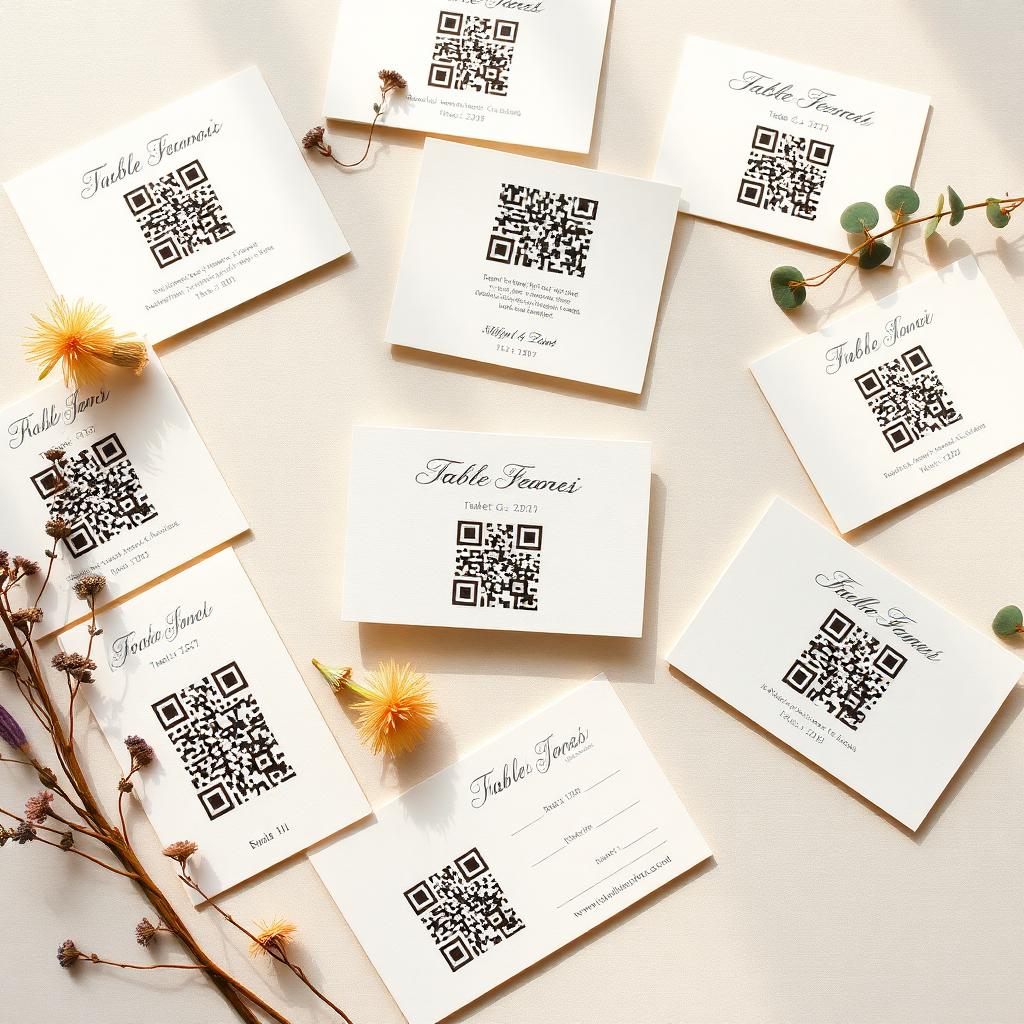
A wedding photo sharing QR code is the simplest way to collect every photo your guests take without asking them to email you a folder they will forget about. Guests scan a small square, take a set of shots in the browser, and the roll lands in one private album the couple reveals the morning after. This is a full walk-through, from setup to reveal, with the choices that actually matter.
Step 1: pick the roll size before you print
The roll size is the number of photos each guest can take. Twenty-four is the classic disposable count and is what most couples land on. Fewer feels precious, more feels endless. Pick the number first because it changes how you write the card copy next to the QR square.
Step 2: generate the QR code and download the print files
- Enter the couple names and the wedding date.
- Set a reveal time. The morning after works for almost everyone.
- Download the QR code as a high resolution PNG.
- Grab the printable table card PDF if the tool offers one, it saves you an hour in Canva.
Step 3: place the code where guests already look
Table cards are the best placement, one per setting, next to the wine glass. Add one larger sign at the bar and one at the photo booth if there is one. Skip entrance-only placement, guests walk past it before they think to open the camera.
Step 4: test the scan before the day
Print one card and scan it with both an iPhone and an Android. Make sure the page loads on a hotel or venue wifi with weak signal. A QR code that scans on your desk but fails on the day is the number one reason a shared roll comes back half empty.
Step 5: seal, reveal, download
Guests take their shots through the night. The roll stays sealed until the reveal time you set. When it opens, the couple gets a private link to every original at full resolution, along with voice notes and written toasts if the tool supports them. Nothing is compressed, nothing is locked into the app.
We printed the codes, tested one, forgot about it, and woke up to more than 800 photos. The step we almost skipped was the test scan.
Common questions
- How long does the setup actually take?
- About ten minutes. Most of the time goes into choosing the reveal time and printing. The QR code itself is generated in under a minute.
- Do we need one QR code or several?
- One QR code covers the whole wedding. Print it many times on table cards and signs, all copies point to the same shared roll.
- What happens if a guest scans after the reveal time?
- They still land on the album, but instead of the camera they see the finished roll. They can add reactions and, if enabled, leave a voice note.
- Can we change the reveal time after we print?
- Yes. The reveal is set on the event, not baked into the QR image, so you can push it later or bring it forward without reprinting.