QR & Photo Sharing
Baby shower photo sharing with a QR code: the simple setup
Grain team ·
A baby shower is short, sweet, and full of moments you will not want to hunt down later in seven different text threads. A QR code turns the whole room into one shared camera roll. Guests scan, take a handful of shots, and the photos land in a private gallery you control.
Why a QR code beats a group chat
Group chats compress photos, get muted, and rely on every guest remembering to send. A QR code sits on the dessert table and does the work for you. No one installs an app. No one asks for the wifi password. The photos arrive at full quality.
What to print
One sign near the entrance, one on the gift table, one by the cake. Something like: scan to add your photos. Guests will see it, pull out their phone, and be uploading in under ten seconds.
What you get after the shower
A private gallery of every guest photo in one place, with the original quality preserved. You pick your favourites for the album, download the rest, and share a public link with family who could not fly in.
Fair warning
Photos start arriving fast once the first guest scans. That is the point, but leave your phone in your bag until you cut the cake, or you will watch it all through a screen.
Why a QR code simplifies baby shower photo sharing
Planning a baby shower involves many details. From decorations to games, you want everything to be perfect. Photo sharing should not add to your stress. Using a QR code with Grain makes it easy for guests to share their pictures instantly and privately. This system ensures every precious moment is captured without hassle.
Traditional photo sharing often involves guests texting photos to the host or uploading them to a shared album after the event. This can be cumbersome and lead to forgotten pictures. A QR code streamlines this process, allowing guests to contribute their photos as they are taken, directly into a private gallery.
How Grain's QR code works for your baby shower
- Create your event: Set up a new event in the Grain app for your baby shower.
- Generate your QR code: Grain automatically provides a unique QR code for your event.
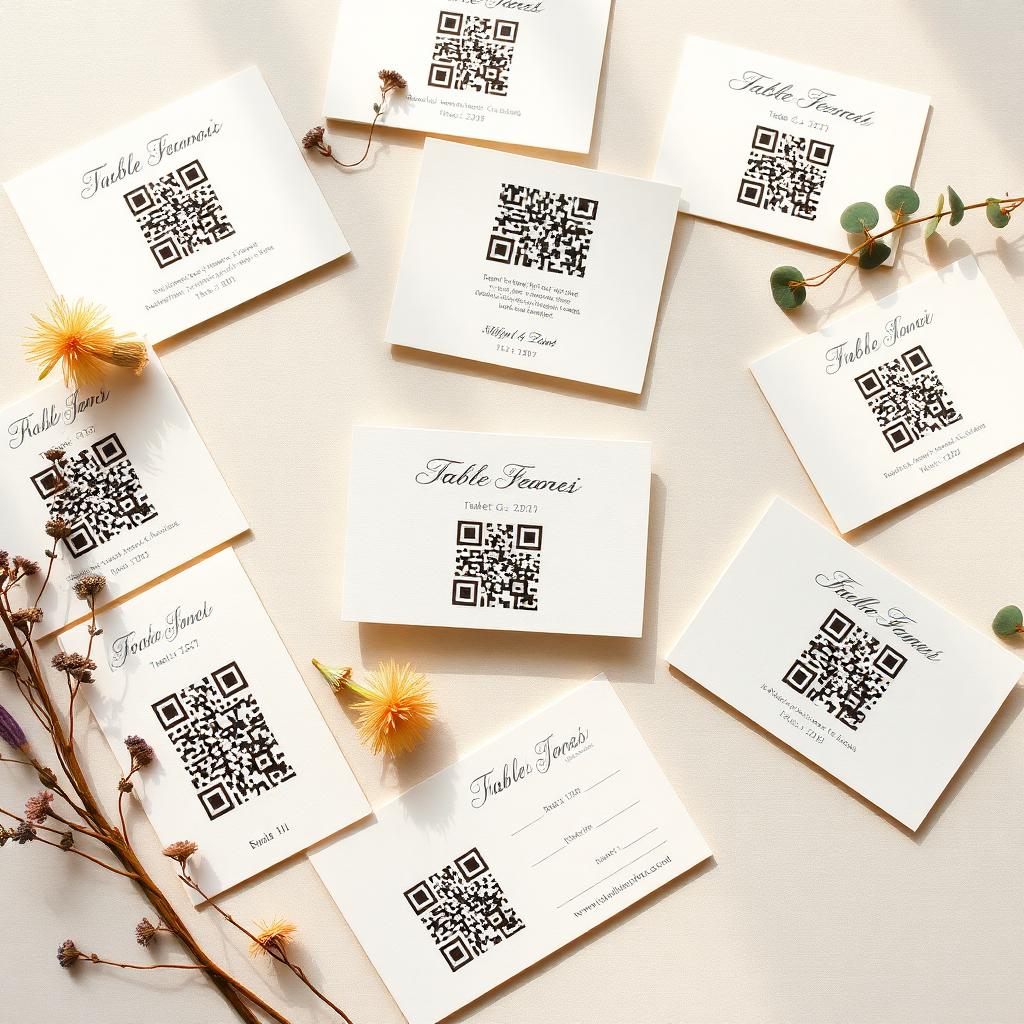
- Display the code: Print the QR code on signage, invitations, or table cards.
- Guests scan and share: Attendees simply scan the QR code with their phone camera to access the photo uploader.
- Enjoy the reveal: After the event, experience a cinematic reveal of all the shared photos and voice notes.
The guest capture experience is designed to be intuitive. No app download is required for your guests. They just scan, snap, and upload. This low barrier to entry encourages more participation, ensuring you receive a comprehensive collection of memories from every perspective. You can even encourage voice notes for heartfelt messages.
Preserving every special memory
Beyond photos, Grain allows guests to record short voice notes. Imagine hearing your loved ones' congratulations and well wishes in their own voices, alongside the visual memories. This adds an invaluable layer of sentimentality to your baby shower album, creating a truly unique keepsake for your growing family.
The private gallery ensures that all shared content remains secure and accessible only to you. You maintain full control over the album, and can revisit these cherished moments whenever you wish. It is a beautiful way to look back on the love and excitement surrounding your baby's arrival.
Common questions
- Do guests need to download anything?
- No. Scanning the QR opens a lightweight page in the phone's browser. No app, no account, no download.
- How many photos can each guest take?
- You set the limit when you create the event. Twenty per guest is a good baby shower number.
- Can I moderate before sharing?
- Yes. You see every photo in a private dashboard and can hide anything before opening the gallery to family.
- Do guests need to download an app to share photos via the QR code?
- No, guests do not need to download the Grain app. They simply scan the QR code with their phone camera, which directs them to a web-based uploader where they can share their photos and voice notes directly.
- Can I prevent certain photos from being included in the final gallery?
- Yes, as the event host, you have full moderation control over the photos and voice notes submitted by your guests. Before the final reveal, you can review all content and remove anything you prefer not to include in your private gallery.