QR & Photo Sharing
Graduation party photo app: capture the class, not just the grad
Grain team ·
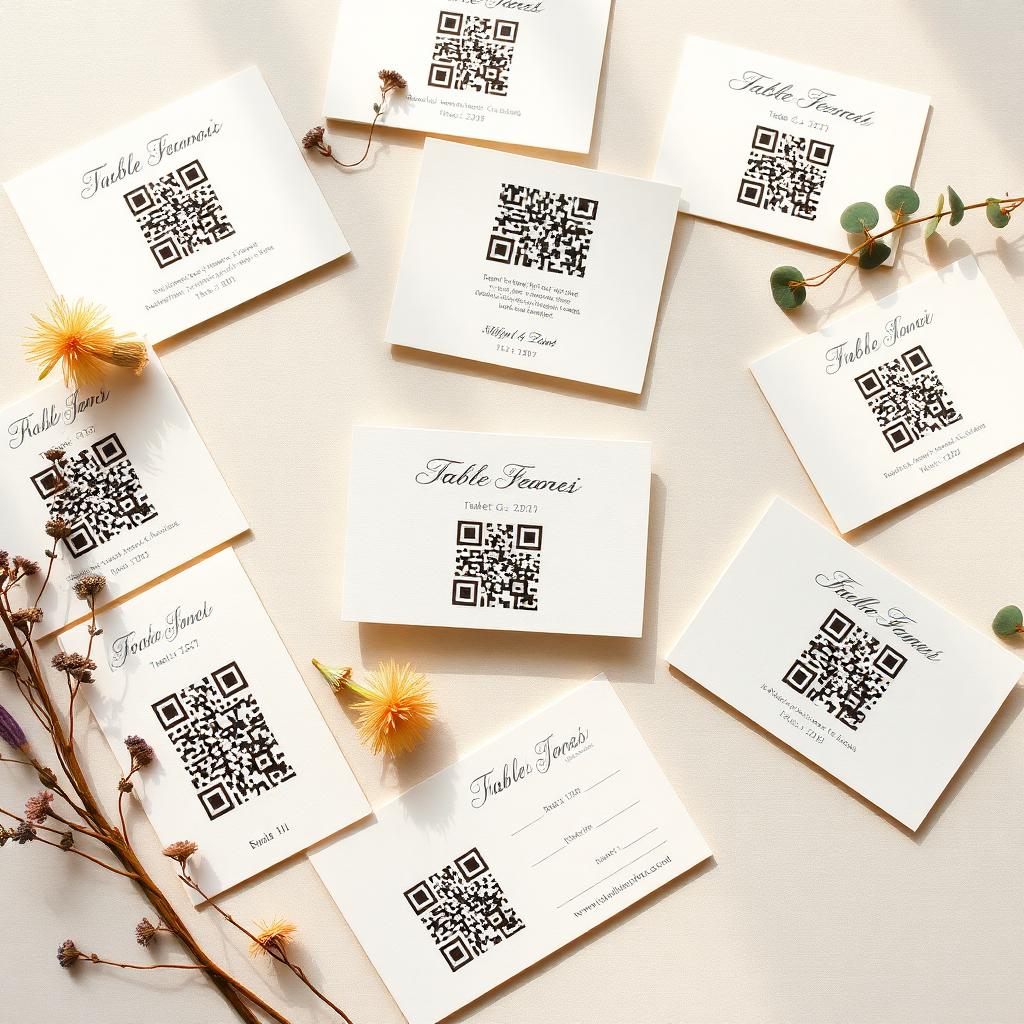
Graduation parties fold three groups into one room: family who want posed shots, friends who want candids, and classmates who will be scattered across the country by August. A QR code on the party invite turns that mess into one private gallery.
Print the QR on the invite
Invitations are already going out. Adding a QR at the bottom means guests know about the album before they arrive. Anyone who cannot make it can still leave a voice message.
Classmates versus family
Classmates shoot fast and loose. Family shoots posed. Both matter. The gallery treats them equally, so the grad ends up with a full record instead of one style dominating.
Perfect for the college-bound
Graduation is a threshold moment, and the album becomes a snapshot of the friend group before it disperses. Some of these photos will matter in ten years in a way no phone camera roll ever surfaces them.
Keep it private, or open it up
You can leave the gallery locked to invited guests, or open a public link once the party is done so extended family can scroll it too.
Capture Every Moment of Your Graduation Celebration
Graduation day is a milestone, a culmination of hard work and dedication. It is a time for celebration with family and friends. While the focus is often on the graduate, the joy and pride of everyone present are also part of the story. Grain helps you capture these broader moments.
Traditional photography can miss candid interactions or the unique perspectives of your guests. Grain offers a way to gather these diverse viewpoints, creating a more complete and authentic memory of your special day. It is designed to be simple for everyone to use.
Seamless Guest Photo Capture
With Grain, inviting guests to contribute photos is straightforward. You generate a unique QR code for your event. Display this code prominently at your graduation party using custom signage. Guests simply scan the QR code with their smartphones to start capturing photos.
- Guests scan a QR code to access the photo capture interface.
- They can take photos directly through the app or upload from their camera roll.
- Voice notes can be added to photos, providing context and personal messages.
- All guest captures are privately collected, awaiting your reveal.
This process ensures that every guest, from the youngest cousin to the oldest grandparent, can share their perspective. No app downloads are required for guests, making participation effortless. The focus remains on the celebration, not on technical hurdles.
A Cinematic Reveal of Your Memories
After the party, the real magic begins. Grain compiles all the guest captures into a cinematic reveal. This is not just a simple slideshow. It is a thoughtfully crafted presentation that brings the entire event back to life from multiple angles. You experience the day anew.
The reveal allows you to see moments you might have missed and hear the accompanying voice notes. It is a private, shared experience that you can enjoy with your graduate and close family. You can then access a full gallery of all the individual photos.
Common questions
- Is there an age limit for the upload page?
- No, anyone with a phone can contribute. There is no signup or account created.
- Can I collect written notes too?
- Yes. Guests can leave a written message alongside their photos.
- How do guests submit photos at a graduation party using Grain?
- Guests simply scan a unique QR code provided by the host. This code directs them to a web interface where they can take photos or upload existing ones from their phone. No app download is necessary for guests.
- Can guests add messages or context to their photos?
- Yes, guests have the option to record short voice notes along with their photos. These voice notes add a personal touch and provide valuable context to the captured moments, enhancing the overall memory of the event.