QR & Photo Sharing
How to create a wedding QR code for photos in under five minutes
Grain team ·
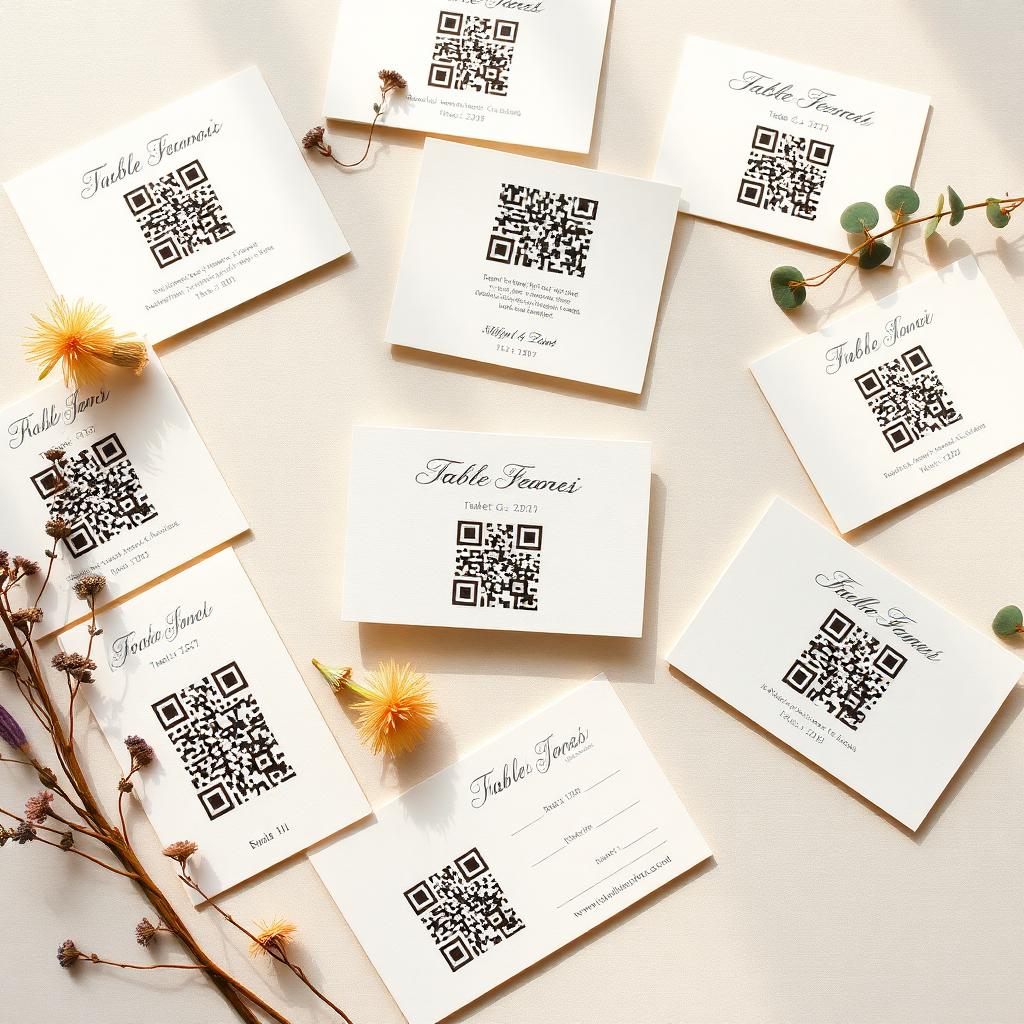
You do not need a designer, a QR generator subscription, or a photographer's blessing to set this up. Ten minutes with a laptop and a printer is enough to have every wedding guest photo landing in one private gallery.
Step 1: create the event
Sign up, name the event, pick the date and a reveal time. The reveal time is when the couple can see the full gallery. Setting it for the day after the wedding is the popular choice.
Step 2: download the QR sign
The event dashboard generates a printable sign with the QR code and a short instruction line. You can rename it, tweak the wording, and download it as a PDF.
Step 3: decide where to place it
Reception entrance, every dinner table, the bar, near the guest book. Print enough copies that no guest has to hunt for one. A single sign in a corner will not carry the whole room.
Step 4: brief one person
Not the couple. Ask a bridesmaid, an usher, or the DJ to point it out once during the reception. That single sentence over the microphone doubles the number of guests who scan.
Step 5: leave your phone alone
Once the QR is out, the album fills itself. Check it in the morning, not during your first dance.
Common mistakes
Printing the QR too small (make it at least 8 cm wide). Placing it too dark (guests need to see it). Adding a wifi requirement (do not, it fails when the venue wifi goes down).
Streamlining Your Photo Collection
Collecting guest photos at your wedding does not have to be a complicated task. With Grain, you can create a dedicated space for all those precious moments, captured directly by your guests. A simple QR code acts as the gateway to this shared album, making photo submission effortless for everyone attending your celebration.
The process begins with setting up your event in the Grain app. Once your wedding details are entered, the app automatically generates a unique QR code. This code is your key to unlocking a treasure trove of guest perspectives, from candid shots to dance floor antics.
Deploying Your QR Code Effectively
Strategic placement of your QR code ensures maximum guest participation. Think about locations where guests naturally pause or gather. Consider including the QR code on various touchpoints throughout your wedding day, making it easily accessible for all.
- Include the QR code on your wedding invitations or programs.
- Display the QR code on table tents at the reception.
- Incorporate the QR code into your wedding signage, like welcome signs or bar menus.
- Project the QR code onto a screen during the cocktail hour or dinner.
- Have your wedding party or officiant mention the photo collection method.
Each scan of the QR code leads guests directly to your private Grain gallery. They can then upload photos and even record short voice notes, adding another layer of memory to your collection. This direct upload bypasses the need for social media tags or email chains, keeping everything organized in one secure place.
The Grain Reveal Experience
After your wedding, the Grain app curates all submitted content into a cinematic reveal. This is not just a static gallery; it is a dynamic presentation of your day through the eyes of your loved ones. The anticipation of the reveal builds, offering a unique post-wedding experience.
You maintain complete control over the reveal timing. Choose to experience it privately first, or share the moment with your closest friends and family. The Grain reveal transforms individual photos and voice notes into a cohesive, memorable narrative of your special day.
Common questions
- Do I need a QR code generator?
- No. The event dashboard produces the QR and the printable sign automatically.
- What if a guest's phone will not scan?
- Every sign also carries a short URL as a fallback, so guests can type it in if the scan fails.
- How do guests upload photos using the QR code?
- Guests simply scan the QR code with their smartphone camera. This action directs them to your private Grain photo gallery where they can instantly upload photos and record voice notes without needing to download an app or create an account.
- Can I customize the signage for the QR code?
- Yes, Grain provides options to download your QR code in various formats, allowing you to integrate it seamlessly into your existing wedding stationery and signage. This ensures the QR code complements your wedding's aesthetic while being clearly visible to guests.