QR & Photo Sharing
Wedding QR code for photos: free generator, no app needed
The Grain team ·
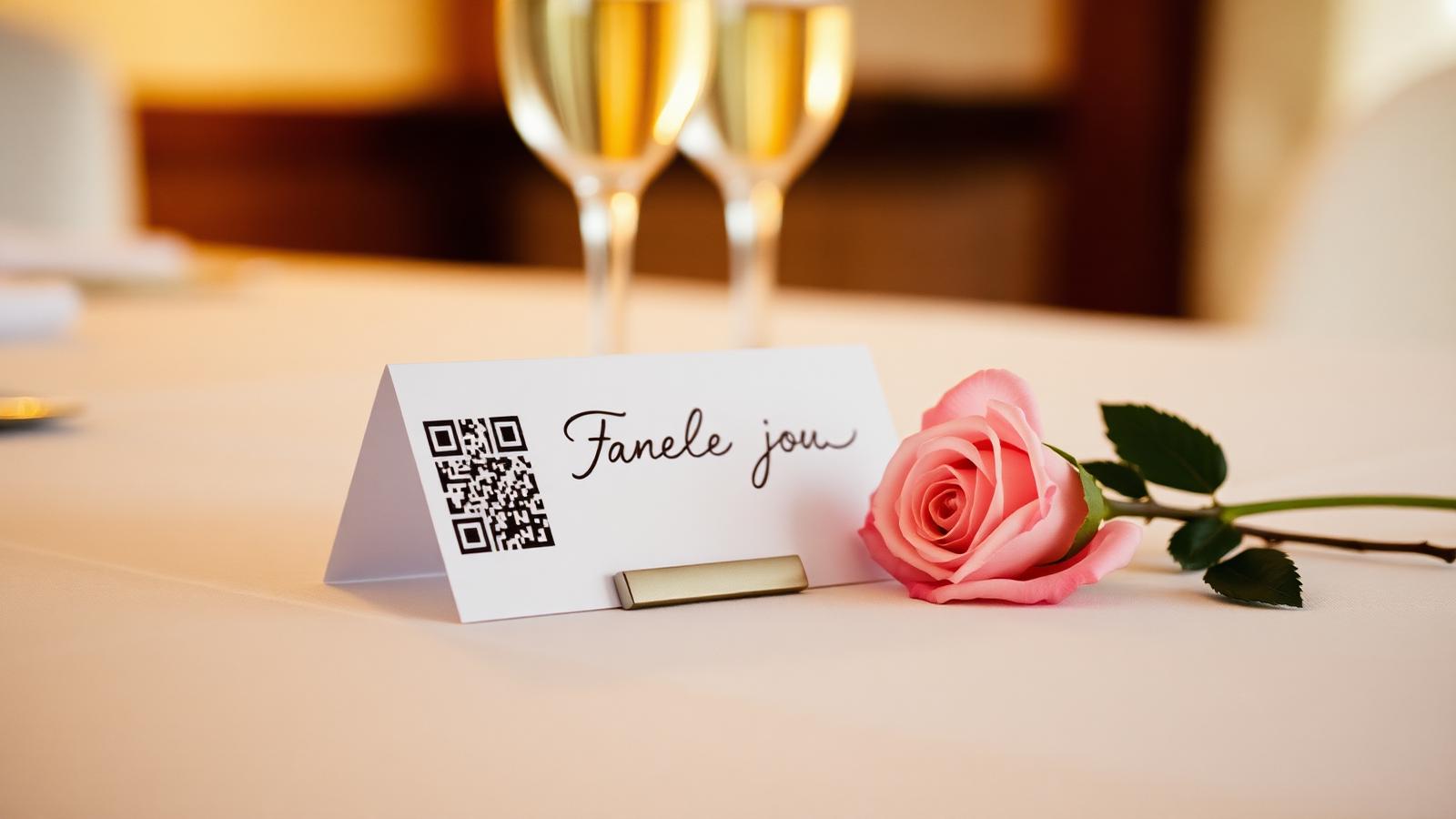
A wedding QR code for photos turns every guest''s phone into a disposable camera. They scan a small square on the table, snap through the night, and the couple wakes up to a full roll of the moments they missed. This guide walks through what a wedding photo QR code actually does, how to generate one for free, where to place it, and how to make the roll feel like a keepsake instead of another chaotic camera roll.
What a wedding QR code for photos actually does
The QR code is a shortcut to a private shared album. When a guest points their camera at it, their phone opens a lightweight page in the browser, no app store, no download, no account. They pick a display name, take a set number of shots, and the photos land in a single roll that only the couple can reveal.
The point is not to replace the photographer. The point is to catch the angles the photographer will never see: the toast a cousin whispered, the shoes coming off at 1am, the kids under the dessert table. Grain calls this a shared roll, and it works because guests are already holding the best camera in the room.
How to make a wedding photo QR code in under a minute
- Open the free wedding qr code generator and enter the couple''s names and wedding date.
- Pick a roll size per guest, most couples land on 24 shots, the same as a classic disposable.
- Choose a reveal time. The roll stays sealed until then, so nothing spoils the morning after.
- Download the QR code as a high-resolution PNG or drop it straight into a printable table card template.
- Print it, place it, done. No login for guests, no app to install.
The whole flow takes about forty-five seconds. The generator is free and no email is required to try it, only to save the event so you can come back and add reveal notes.
What to look for in a free wedding photo QR code
Most free QR code generators online produce a plain link. That is fine for a menu, but a wedding roll needs a few more things baked in. Before you commit to one, check that it covers the following:
- Works on both iPhone and Android without an app install.
- Locks the roll until the reveal so guests do not spoil the night.
- Lets guests capture voice notes and short written toasts, not just photos.
- Keeps the album private to the couple by default, with a share link they control.
- Exports full-resolution originals, not compressed thumbnails.
A free tool that only prints the square and stops there leaves the interesting work to you. A shared-roll tool handles the moderation, the reveal, and the export in one place.
Where to place the QR code on the day
Placement is what makes the difference between a full roll and a mostly empty one. Guests need to see the square three or four times without being told to. The couples who get the highest participation put a QR code table card at every setting, a larger sign near the bar, one at the photo booth if there is one, and a small square on the back of the menu.
Skip the entrance-only sign. Guests walk past it before they have taken out their phones. The best spot is the table itself, next to the wine glass, because it is where the phone comes out anyway.
Free vs paid: what actually changes
A free wedding photo QR code covers small events well. Grain, for example, is free for up to five guests, which is enough for a rehearsal dinner or an elopement. Beyond that, the paid version unlocks larger guest lists, longer video, higher storage, and features like the audio guestbook and printed keepsake exports. Nothing about the QR code itself changes, only the size of the roll behind it.
We printed one QR code per table and forgot about it. On Sunday morning we had 812 photos and 27 voice notes we would have never asked for. It was the wedding gift we did not know to ask for.
After the wedding: revealing the roll
The reveal is the part most tools skip. A good wedding photo QR code keeps everything sealed until a time you set, usually the morning after or the following weekend. When it opens, guests get a link to the full gallery, the couple can download every original, and the voice notes play back in one long roll. That is the moment the whole thing turns from a shared folder into a keepsake.
If you want the same physical feel as a disposable camera app, keep the reveal at least twelve hours out. The waiting is half of what makes it feel like film.
Common questions
- Is the wedding QR code for photos actually free?
- Yes. Grain''s generator produces a printable wedding photo QR code with no cost. Free events cover up to five guests, which is enough for elopements and rehearsal dinners. Larger weddings unlock more guests on a one-time per-event price, not a subscription.
- Do guests need to download an app to use the QR code?
- No. Scanning the QR code opens a page in the phone''s browser. There is nothing to install and nothing to sign up for. It works on any iPhone or Android from the last several years.
- Can guests see the photos before the wedding is over?
- Only if you want them to. By default the roll stays sealed until the reveal time you set. Most couples pick the morning after, so the surprise lasts and no one spoils the toasts.
- How many photos can each guest take with the QR code?
- You choose the roll size when you generate the code. Twenty-four shots per guest matches a classic disposable camera and is the most common setting. You can raise it for smaller weddings or lower it to keep the roll feeling curated.
- Where should we put the wedding photo QR code?
- Table cards get the highest scan rate because guests already have their phones out at their seat. Add one larger sign near the bar and, if you have one, at the photo booth. Skip entrance-only placement, guests walk past it before they think to open the camera.
- Can we download the original photos after the wedding?
- Yes. After the reveal the couple gets a private link to download every original at full resolution, along with any voice notes and written toasts guests left. Nothing is compressed and nothing is locked to the app.